

Moviebox APK: Your Ultimate Guide to Download and Install
Download Movies AppDownload 2.11.48 APK (Latest)| App Name | Movie Box |
|---|---|
| Version | 2.11.48 |
| Size | 116.8 MB |
| Category | Video Players & Editors |
| Rating | 4.2 |
| Downloads | 10K+ |
| Updated | 2026-10-13 |
| Content Rating | Everyone |
| Status | active |
Moviebox APK: Your Ultimate Guide to Download and Install
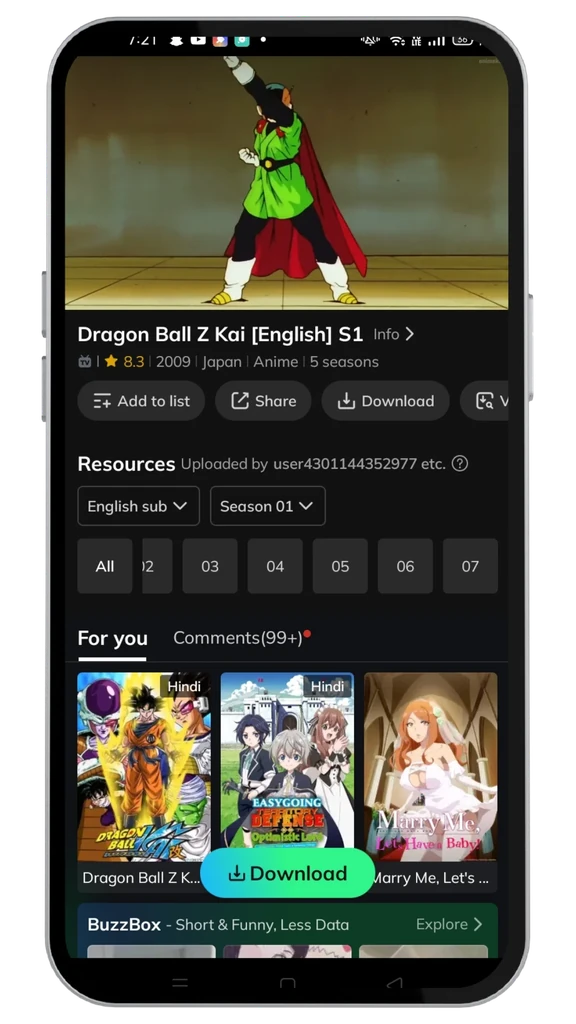
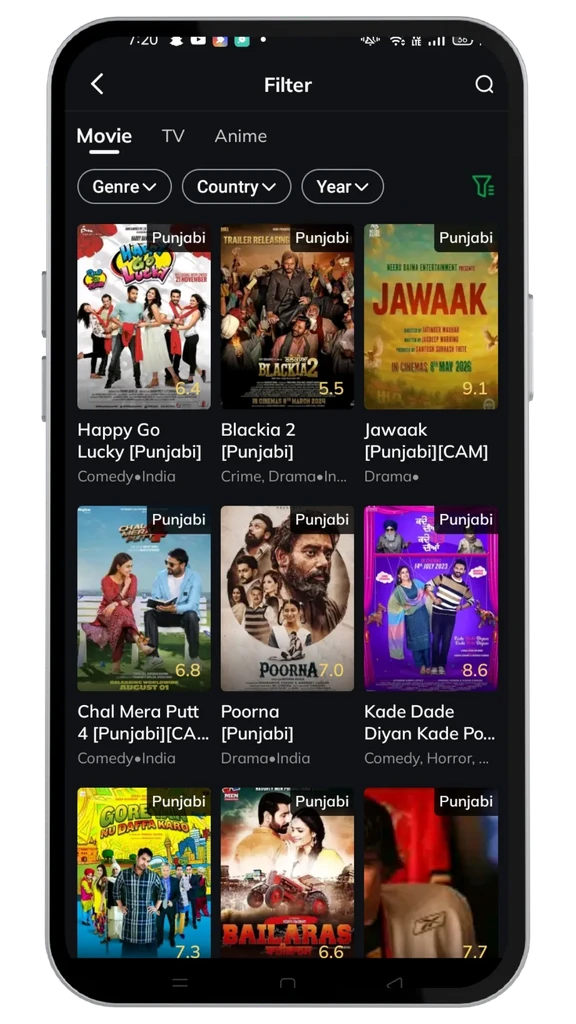
In the vibrant world of Indian cinema, Moviebox stands out as a go-to application for film and TV enthusiasts. With a vast library that includes not just Bollywood and Hollywood Movies, but also South Indian cinema – featuring Tamil, Telugu, Malayalam, and Kannada films – it caters to diverse tastes. Users can enjoy a wide array of content, from popular web series to regional films and TV shows, all in one place. This guide will assist you in understanding the functionalities of the app and provide you with a comprehensive installation process.
How to Download and Install Moviebox APK
Installing the Moviebox APK on your Android device is straightforward. Follow these steps for a smooth installation:
- Step 1: Download the APK File
Make sure to obtain the APK file from the official website or a trusted source. Always verify the file name, version, and its origin before downloading. - Step 2: Locate the Downloaded File
After the download is completed, open your device's File Manager and navigate to the Downloads folder to find the APK file. - Step 3: Enable Unknown App Installation
If your device prompts you, go to Settings → Security / Privacy → Install Unknown Apps and allow the installation from the selected source. Note that certain Android versions might have different naming conventions. - Step 4: Install the Application
Tap on the APK file and follow the on-screen instructions to complete the installation process. - Step 5: Open the App
Once installed, click on Open to launch the application and set up any necessary preferences.
Note: After installation, it's advisable to disable the permission for Install Unknown Apps unless needed for future installations.
Safety Tips Before Installing Moviebox APK
Your security is paramount when downloading APK files. Here are essential tips to keep in mind:
- Always prefer downloading from the official website or reputable sources to minimize risks.
- Avoid downloads via unfamiliar advertisements, pop-ups, or dubious Telegram links.
- Check the APK file’s source and version information prior to installation.
- Utilize reliable Android antivirus software or Google Play Protect for scanning the downloaded file.
- Review the permissions that the application requests during installation; avoid granting unnecessary sensitive permissions.
- After the installation is complete, consider turning off the Install Unknown Apps permission.
- Be wary of installing MOD APKs or altered versions, as they may not be secure.
Frequently Asked Questions (FAQ)
Q1. Is Moviebox APK free to use?
Yes, moviebox is generally free to use; however, it might contain advertisements.
Q2. Can I watch Bollywood and South Indian movies on Moviebox?
Absolutely! Moviebox offers a rich selection including Bollywood films as well as Tamil, Telugu, Malayalam, and Kannada movies.
Q3. Does Moviebox APK work on Android TV?
The compatibility of Moviebox with Android TV devices may vary; it's advisable to check if your specific device supports the app.
Q4. Why is video streaming buffering or lagging?
Common solutions for buffering issues include checking your internet connection, reducing video quality, closing background applications, or restarting the app.
Q5. Do I need to create an account to use Moviebox?
Typically, creating an account is not required for basic functionality, but you may need one for certain features.
Disclaimer
This article serves as a reference for the installation and use of the Moviebox APK on Android devices. Third-party Streaming applications may include content from various sources. All films and shows featured are owned by their respective copyright holders. Users are advised to adhere to local copyright laws. It is recommended to verify the application's source, licensing, and associated risks independently. This article does not endorse any unauthorized use of copyrighted content.